You're about to build or rebuild your website, and the internet has split into two camps. One says drag-and-drop builders are all anyone needs and hiring developers wastes money; the other says builders are toys that trap you, and serious businesses go custom. Both are selling something, and neither has seen your project.
The takeaway up front: this isn't a question of which approach is better — it's a question of what your specific site has to do. Most business websites are well served by a builder or an off-the-shelf CMS, and reaching for custom development by default is the most expensive mistake in this niche. But a real minority of projects have one or two requirements a template can't meet, and forcing those onto a builder is its own slow, costly trap. The decision comes down to naming those requirements honestly before you fall for a tool.
The three options, in plain terms
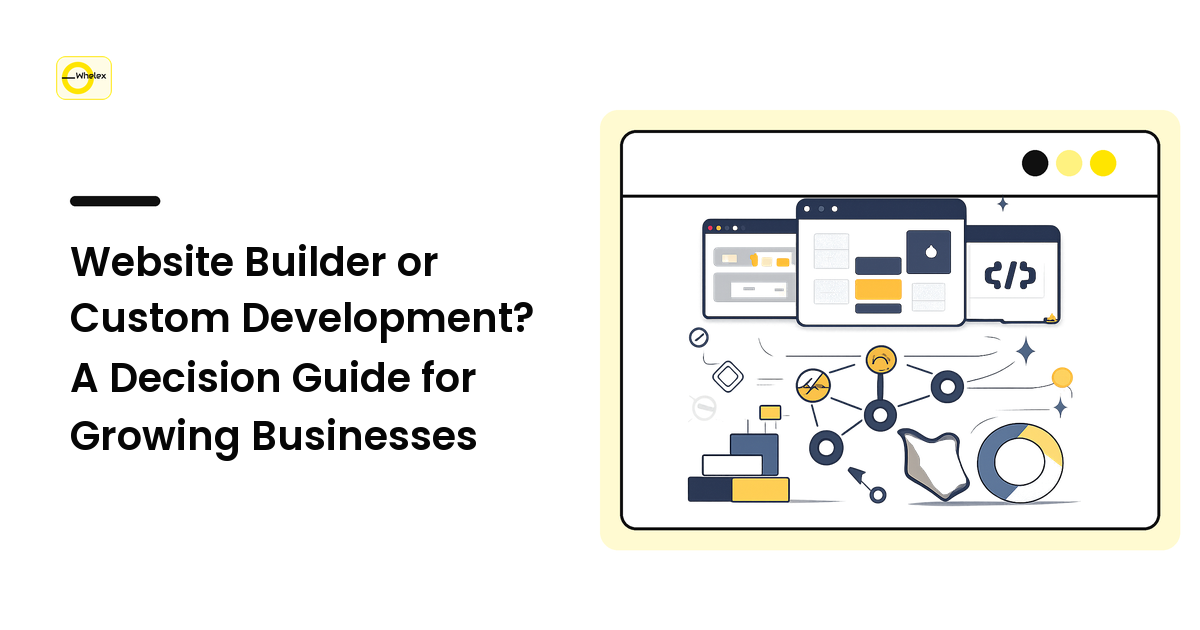
The choice is usually framed as "builder vs. custom," but there are really three tiers — and the middle one is where most businesses belong.
- Website builders (Squarespace, Wix, Webflow, Shopify for stores) — assemble pages from blocks inside a hosted product. Fastest to launch, lowest upfront cost, no server to manage. The trade-off: you live inside the platform's limits and pay a subscription forever. Fair alternative: a managed WordPress host with a page builder, for more plugin freedom.
- An off-the-shelf CMS (usually WordPress) — a flexible platform a developer configures and themes for you. More control and integrations than a builder, still far cheaper than building from scratch, but you own updates and maintenance. Fair alternative: a builder like Webflow that reaches into CMS territory if your needs are mostly content.
- Custom development — a developer writes the application for you on a stack chosen for the job. Maximum control, no platform ceiling, and it does things the other two can't. The trade-off: highest cost, longest timeline, and you own hosting and maintenance for the product's life. Fair alternative: a custom front end on an existing CMS or commerce backend, building only the part that needs it.
The order isn't "worst to best" but "lowest cost and control" to "highest." The right choice is the cheapest tier that can actually do the job — not the most powerful one you can afford.
Start from the job, not the tool
The mistake that drives bad platform decisions is choosing the tool first and bending your requirements to fit it. Flip it. Before you compare a single product, write down what your site has to do — not how it looks, but the work it performs — and sort that into two buckets:
- Standard jobs a template already solves. Marketing pages, a blog, a contact form, a newsletter signup, a simple booking or basic store, an embedded scheduling or chat widget. If this is your whole list, you are a builder customer, full stop.
- Load-bearing jobs specific to you. A pricing engine with rules no plugin models, a customer portal with logins and dashboards, a booking flow tied to real-time inventory, a deep integration with an internal system. If even one of these is central to why the site exists, a builder will fight you the whole way.
The decision is now almost mechanical. An empty bucket two means a builder or CMS wins — choose on content needs, budget, and who'll maintain it. A load-bearing bucket two means you're heading toward custom, often only for that piece, with the rest on a CMS. The expensive errors are mismatches: a custom requirement crammed into a builder, or custom work commissioned for a brochure site.
The costs people forget on both sides
Sticker price is the least reliable number in the room — each path hides its real cost somewhere else.
Builders look cheap and bill forever. The monthly fee is small but never ends, premium features and transaction fees stack on top, and the real cost surfaces the day you outgrow the platform: with no clean export, leaving usually means rebuilding. You're renting, and the rent is also a lock-in.
Custom looks expensive and the build is the cheap part. The quote covers getting to launch. What follows is the larger, quieter bill — hosting, security patches, dependency updates, and a developer on call when something breaks. A custom site nobody maintains rots, so budget for the years after launch, not just the build. (This is exactly the kind of line that separates two honest quotes — see how to read a web development quote.)
The CMS middle path splits the difference and adds a chore. Cheaper than custom and more flexible than a builder — but plugins and themes need updating, and neglected WordPress sites are a known security liability. The cost here is a maintenance habit, not a big cheque.
When to switch (and when staying put is smarter)
A platform decision isn't permanent, and treating it as a one-way door causes its own bad calls. The honest signals that you've genuinely outgrown a builder:
- You're paying for stacks of plugins to fake a feature the platform won't do natively, and it's still fragile.
- A core part of your business lives in workarounds — copy-paste steps, manual exports, duct-tape between tools.
- Page speed or scale has hit a ceiling you can't move from inside the product, or you need integrations and data control the platform won't grant.
If two or three of those are true and the constrained feature is central to revenue, migrating is justified. But resist switching for the wrong reasons — a competitor went custom, or you assume custom is automatically better for SEO (it's inherently neither). Switch when the platform is actively blocking the business, not when you're merely curious whether custom would be nicer. "It works fine but feels basic" rarely clears the bar.
FAQ
Is a website builder good enough for a real business?
For most businesses, yes. If your site is marketing pages, a blog, lead capture, and a straightforward store or booking, a builder does that job well and gets you live fast. "Real business" isn't the test — requirements are; you only outgrow a builder when a core function depends on something the platform can't do, and most sites never reach that point.
Is custom development better for SEO than a builder?
Not inherently. Search performance comes from fast pages, clean structure, good content, and technical hygiene — all achievable on any of the three tiers. Custom gives more control to fix technical issues at the root, which helps on large or complex sites, but a well-configured builder out-ranks a sloppy custom site every time.
How do I know if I need custom development or just a CMS?
Look at your load-bearing requirements. Custom logic, user accounts and dashboards, or deep integration with internal systems point toward custom — often only for that part, with the rest on a CMS. If your needs are mostly content and standard features with a bit more flexibility, a CMS like WordPress usually does it for far less.
Will I get locked into a website builder?
To a degree, yes — that's the honest trade-off. Builders rarely offer a clean export of a working site, so moving off one usually means rebuilding rather than transferring. That's not a reason to avoid them; it's a reason to choose one expecting to stay a few years and to keep your content and domain under your own control.
Can I start on a builder and move to custom later?
Yes, and for many businesses that's the smartest sequence. Launch fast and cheap on a builder, learn what your site and customers actually need, and migrate only once a real requirement justifies it. You'll brief a custom build far better after a year of evidence than from guesses on day one — just plan for the migration cost, since it's a rebuild.
Next step
Don't pick a platform; pick your requirements first. Write down the two or three things your site absolutely has to do that a template can't. An empty list means a builder or CMS, chosen on budget and maintenance; even one load-bearing item means getting a real custom quote for that piece. Either way, the tool follows the job — never the reverse. For a straight answer on which tier fits your project, talk to the team at whelex.com.